Eli / Home AI
Start with a question. Eli is designed to bring relevant model, document and project context into the conversation.
Explore Eli
Inspect Revit information. Review IFC revisions. Compare PDF and DXF drawings. Esattia is being developed to bring technical evidence, project revisions and review decisions into a clearer BIM workflow.
Work smarter. Coordinate faster. Build with confidence.
Product preview · public registration is closed. Check access status
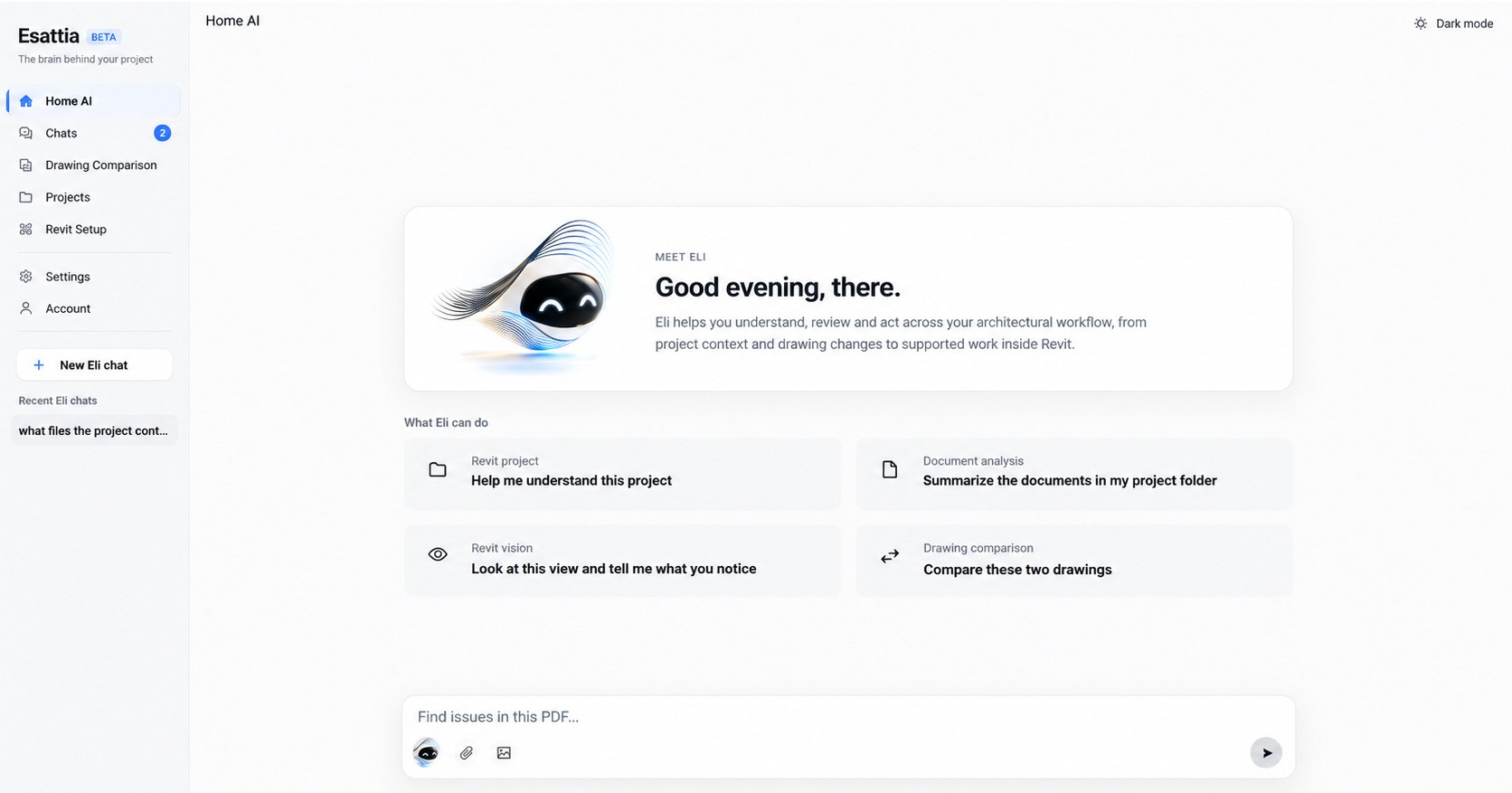
Eli helps you understand, review, and act across your architectural workflow — from project context and drawing changes to supported work inside Revit.
Discover Eli →
From a Revit question to a reviewed revision, Esattia aims to keep the technical context close to the people making decisions.
Start with a question. Eli is designed to bring relevant model, document and project context into the conversation.
Explore EliCompare model revisions or review drawing changes. Choose the workflow that matches your source files.
Choose a comparisonKeep professional conversations alongside the files and issues they refer to.
Review Chats scopeOrganize files, revisions and project context without losing the history behind a decision.
Explore ProjectsReview drawings and levels in Esattia. Creating levels, views and imports in Revit is planned.
View setup previewSee the model in context. Bring architecture, structure and MEP into a clearer coordination conversation, from the first question to the next decision.

A drawing is revised. A question is raised. A colleague needs the right file. Chats and Projects are being connected around the same project information.
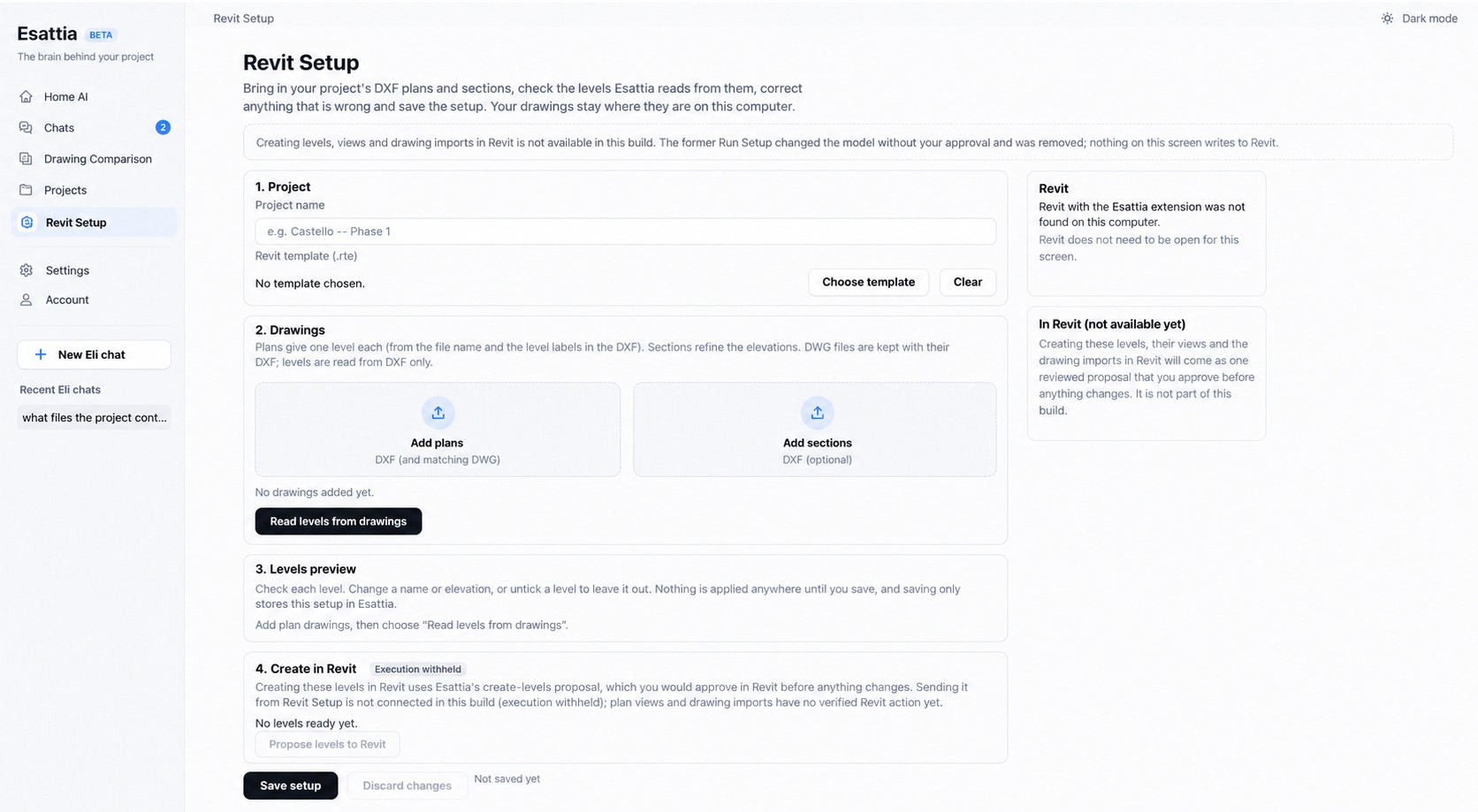
Discover Chats & Projects →The Revit Setup development preview explores drawing and level preparation. Creating levels, views and imports in Revit is planned; the screenshot is not a released workflow.
The shared issue is the connecting thread: what happened, where it matters, who needs to review it, and which revision comes next.
Development previews connect local project files, comparison findings and conversation references. Cross-office delivery and the complete issue lifecycle are planned.
For architecture offices, structural and MEP engineers, BIM coordinators and managers, construction coordination teams, multidisciplinary practices and independent Revit professionals.
Review technical information with model and drawing context close at hand.
Bring discipline questions into a common review process, with human judgment at each step.
Keep revisions and conversations easier to follow as work moves between people.
AI-powered BIM coordination and collaboration software for architects and engineers.
Bring questions to Eli, your Revit AI assistant. Explore model information, drawing changes and supported workflows with evidence close at hand.
Connect the review conversation to the right source. Chats, Projects and revision history are designed to keep people and technical information together.
Reduce the repetitive work of finding files and reconstructing decisions. Move from IFC and drawing review toward a shared issue and the next project revision.